
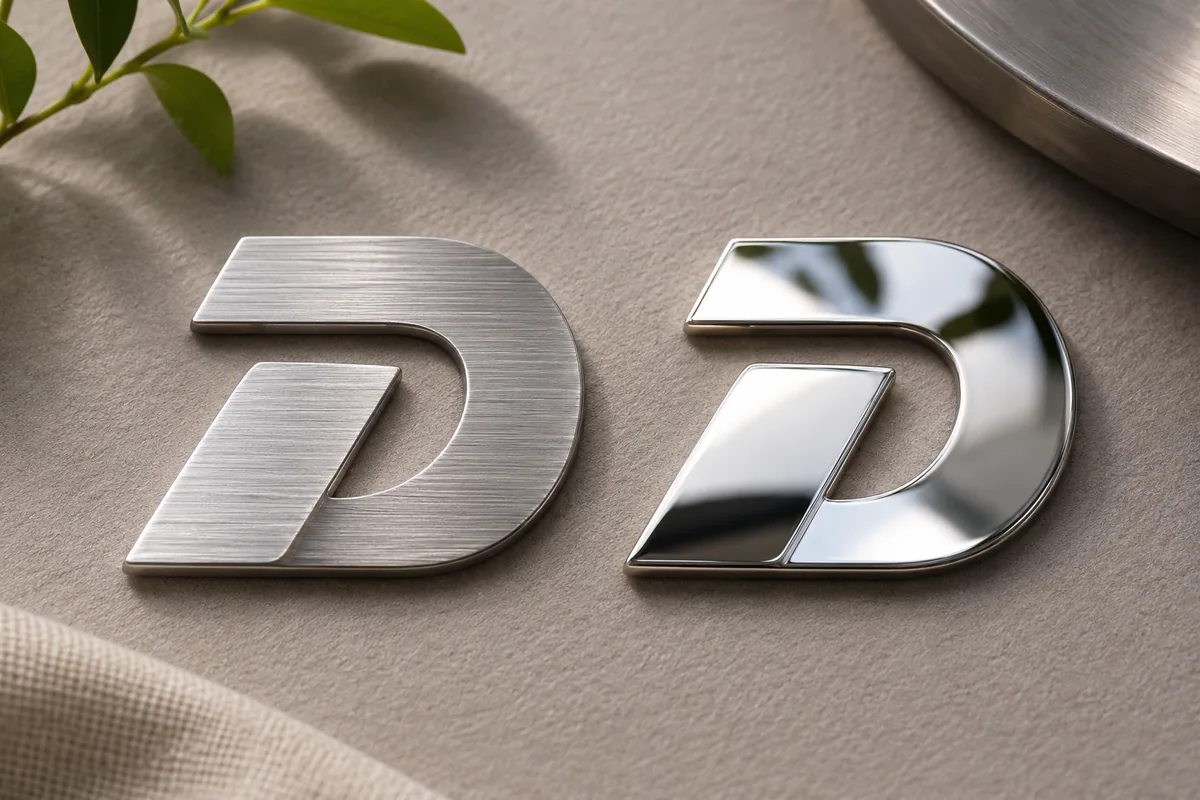
Match the finish to the product
On a matte housing, a small polished mark can add a clear highlight. On brushed hardware, a grain in the same direction can make the emblem feel integrated. Check whether the production supplier can provide the requested finish on the selected transfer construction.
Put the grain on the proof
Use a line or arrow outside the artwork to identify the desired direction. Check the approved grain relative to the baseline of the logo and the orientation of the finished object. If the same artwork will be applied in portrait and landscape positions, agree the finish for both before the files are released.
Inspect a physical sample for handling marks
Compare a clean sample and a handled sample under direct and diffuse light. Look at fingerprints, hairline marks and small details. Set an inspection distance and lighting condition so the supplier and buyer evaluate the finish consistently.
Can I approve a brushed finish from a digital proof?
Use the digital proof for layout and grain direction. Approve texture and reflectivity from a physical sample on the actual part.