
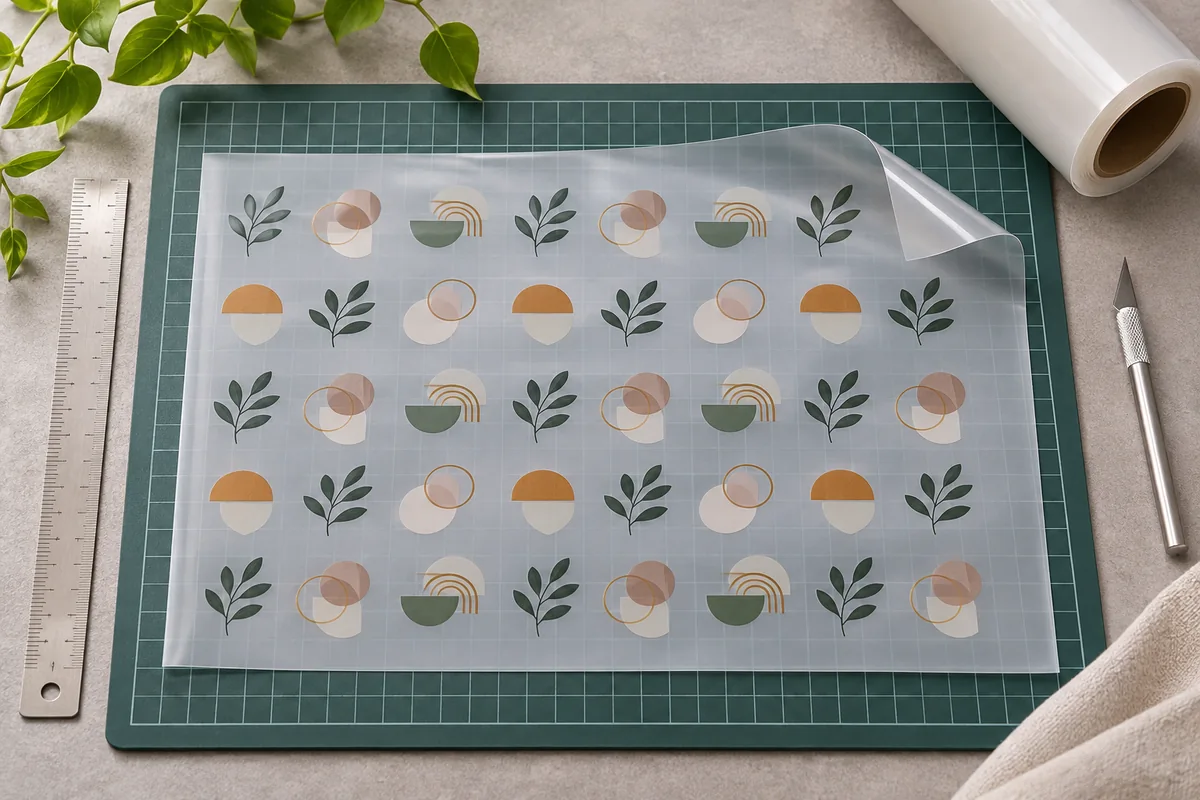
Get the working area before nesting
Ask the supplier for the usable width and length, outer margins, space needed between designs and whether rotation is permitted. A nominal sheet size can include areas that cannot be printed or cut. Keep the artwork at final scale and leave the specified clearance around isolated lettering or delicate details.
Count by design, then count by sheet
Build a list with the design ID, size and quantity for every graphic. If one sheet contains twelve small logos and four large logos, ten sheets give you 120 small and 40 large before any waste. If both quantities must match, revise the repeat pattern or use a separate run for the shortfall.
Plan how the sheet will be used
If two sizes look similar, group them by row so staff can separate them at a glance. Verify that trim guides stay outside the printed artwork. Ask whether you will receive full sheets, cut strips or individual transfers, then compare the total time required on the packing line.
Can I combine several logo designs on one sheet?
A gang sheet can hold several designs. Confirm available sheet format, per-design quantities and layout limits with the supplier before approving the proof.