
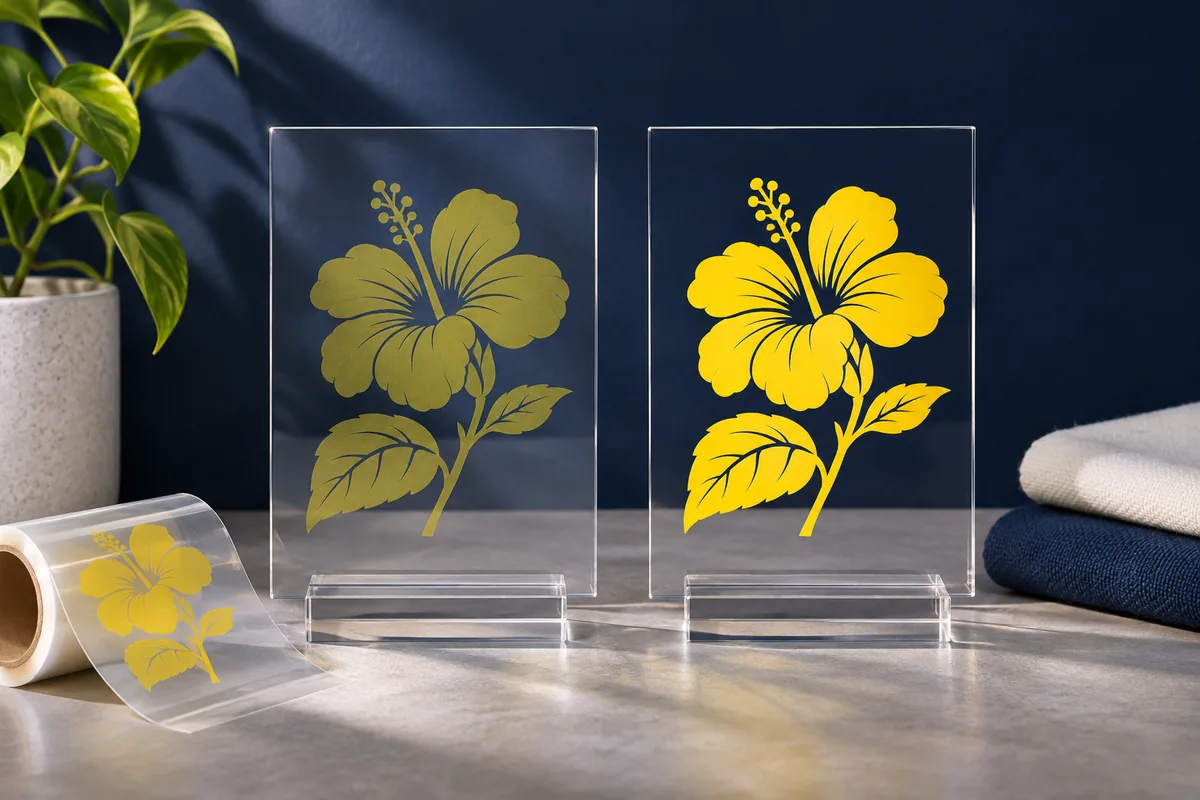
Decide which areas need to block the background
A pale logo printed without a backing may pick up the container color or look translucent. A backed yellow on a dark bottle can read differently from the same yellow printed without white. On clear glass, deliberate open areas let the contents show, so mark those areas as transparent when you provide the artwork.
Mark white details and transparency
Identify visible white artwork, white underprint and clear gaps separately. Tell the supplier which elements must remain see-through and which must stay opaque. Ask for a proof that shows the layers and review fine edges, where any white peeking outside the color becomes easy to notice.
Approve the colors on the real object
Place the proof on the actual container. Check it against the fill and in the light used for retail and photography. If the artwork will run on several container colors, approve a sample on each background or agree which are acceptable with one shared ink setup.
Is the carrier film the white backing?
No. The carrier is removed during application. A white ink layer is part of the transferred artwork where specified.